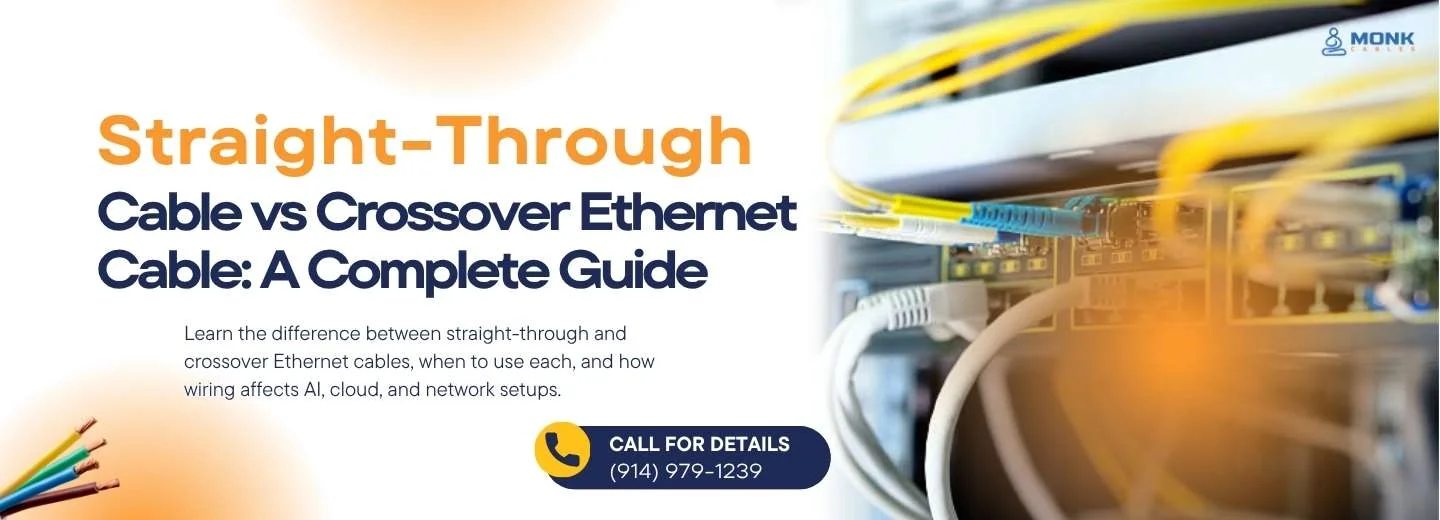
When you walk into a room stacked with boxes of Ethernet cables, you might think, “they’re all the same, right?” But actually, there's an important difference hidden in how those cables are wired. Believe it or not, two big terms you’ll want to know are “straight-through and crossover. These aren’t about which brand you buy or how fancy the cable jacket is, they’re about how the little wires inside are connected, and that matters.
Before you pull one off the shelf, plug it in, and hope for the best, it’s worth knowing how these two types differ and which one you should use.
So, let’s dive in.
Okay, so why should you bother with this? Here’s the deal:
In other words, even though many modern devices can deal with either type (more on that later), understanding the difference gives you power, especially when things aren’t working the way they should.
Before we jump into straight vs crossover, a quick primer. When people talk about “Cat6a,” “Cat6,” or “Cat5e,” they’re talking about category. That tells you about performance specs (speed, bandwidth). Then terms like “plenum” or “riser” these are the cable ratings and tell you where you can install the cable (e.g., plenum for air-handling spaces and “riser” for vertical runs between floors).
But once you pick the category and rating, you still have to deal with “straight-through” vs “crossover,” which is about the wiring at the ends of the cable.
Now, let’s dig deeper into each.
In a straight-through cable you use the same wiring standard on both ends. For example, if you use T568B on one end, you use T568B on the other. The same pin numbers link through. That means the transmit pins of one device align exactly with the receive pins of the other device.
Use a straight-through cable when you’re connecting:
Because you’re connecting different kinds of devices (they play different roles), the wiring matches the way they send and receive signals.
Imagine your PC is your house and the switch or router is the highway. A straight-through cable is like a standard two-lane road that runs straight from your house to the highway, with the same layout at both ends and matching direction. It’s a normal connection, nothing special.
With crossover cables, one end uses one wiring standard (say T568A and T568B wiring standards) and the other end uses another (say T568B). That causes the transmit and receive pairs to be swapped. For example, pin 1 might connect to pin 3 on the other end, pin 2 to pin 6, and so on.
Use a crossover cable when you’re connecting two of the same kind of device directly, like:
In these cases, since both devices might be transmitting and receiving on the same pairs, you swap the wiring so one’s transmit lines hit the other’s receive lines.
Think of two people next door who want to talk to each other directly. They don’t go via the city’s main line and hook up a special direct phone. That direct line needs the wiring set so one’s “talk” wire goes into the other’s “listen” wire. That’s what a crossover cable does.
When data moves in a network (even simple ones like Cat5e at 100 Mbps), it travels over pairs of wires. One pair handles transmits (Tx), and another handles receiving (Rx). If you connect a PC (which expects to send on certain pins) to a switch (which expects to receive on those pins) with a straight-through cable, the pins line up nicely. But if you connect two PCs the same way, both might try to transmit on the same pins and neither receives, so nothing happens. The crossover cable fixes that by switching pairs.
If the wiring is wrong, the devices may fail to link, or the connection may be weak or inconsistent. So the wiring matters.
Here’s some good news: many current network devices support Auto-MDI-X (Automatic Medium-Dependent Interface Crossover). What that means: the device itself can detect whether it’s connected with a straight-through or crossover cable and adjust internally so it works anyway.
So yes, understanding the difference still matters.
Here’s how you can check what you’re working with:
Feature | Straight-Through | Crossover |
Wiring Pattern | Same wiring order on both sides | Different wiring order on each end |
Typical Connection | Dissimilar devices (PC→Switch) | Similar devices (PC→PC) |
Pin/Pair Behaviour | 1→1, 2→2, 3→3, etc. | 1→3, 2→6, etc. |
Modern Relevance | Standard for most setups | Less common due to Auto-MDI-X |
Important When | Safe default for most installs | Needed for direct-connect of like device |
Here’s how to decide:
Because in those cases the devices expect different wiring (one transmits, the other receives) and a straight layout works.
If both devices support Auto-MDI-X, you can often use a straight-through cable for almost everything, and things will still work. Still, knowing the difference is a useful skill.
To wrap things up: when you’re choosing network cables, keep this in mind. If you’re connecting different kinds of devices (like a computer to a switch or a router), go with a straight-through cable. It has the same wiring at both ends and matches transmit and receive lines properly.
But if you’re hooking up two of the same kind of device (computer to computer, switch to switch), you’ll want a crossover cable. The one end is wired differently so that transmit and receive pairs are swapped for direct communication.
And even though many of today’s devices support Auto-MDI-X, which makes them flexible enough to handle either type, the wiring difference still matters. Knowing which cable to grab means fewer headaches and smoother network setup.